IcebergTTX

Tabletop exercise platform
Rehearse your response before the incident is real.
IcebergTTX runs facilitated, scenario-driven tabletop exercises for cyber incidents and business-resilience events — branching injects, live participant responses, simulated regulator and press comms, and optional AI-assisted assessment.
Why IcebergTTX
A facilitator builds or imports a branching scenario, then releases injects to participants in real time over WebSocket. Participants record decisions and free-text reasoning that drive the scenario down different branches, while observers follow along read-only. The platform simulates incident communications (regulators, press, executives) and can use a pluggable AI provider (Anthropic, Amazon Bedrock, OpenAI, Ollama, or Gemini) to assess decisions and suggest follow-up injects. It is API-first (FastAPI) with a server-rendered UI, and ships with Docker Compose and Kubernetes manifests.
-
Branching scenarios
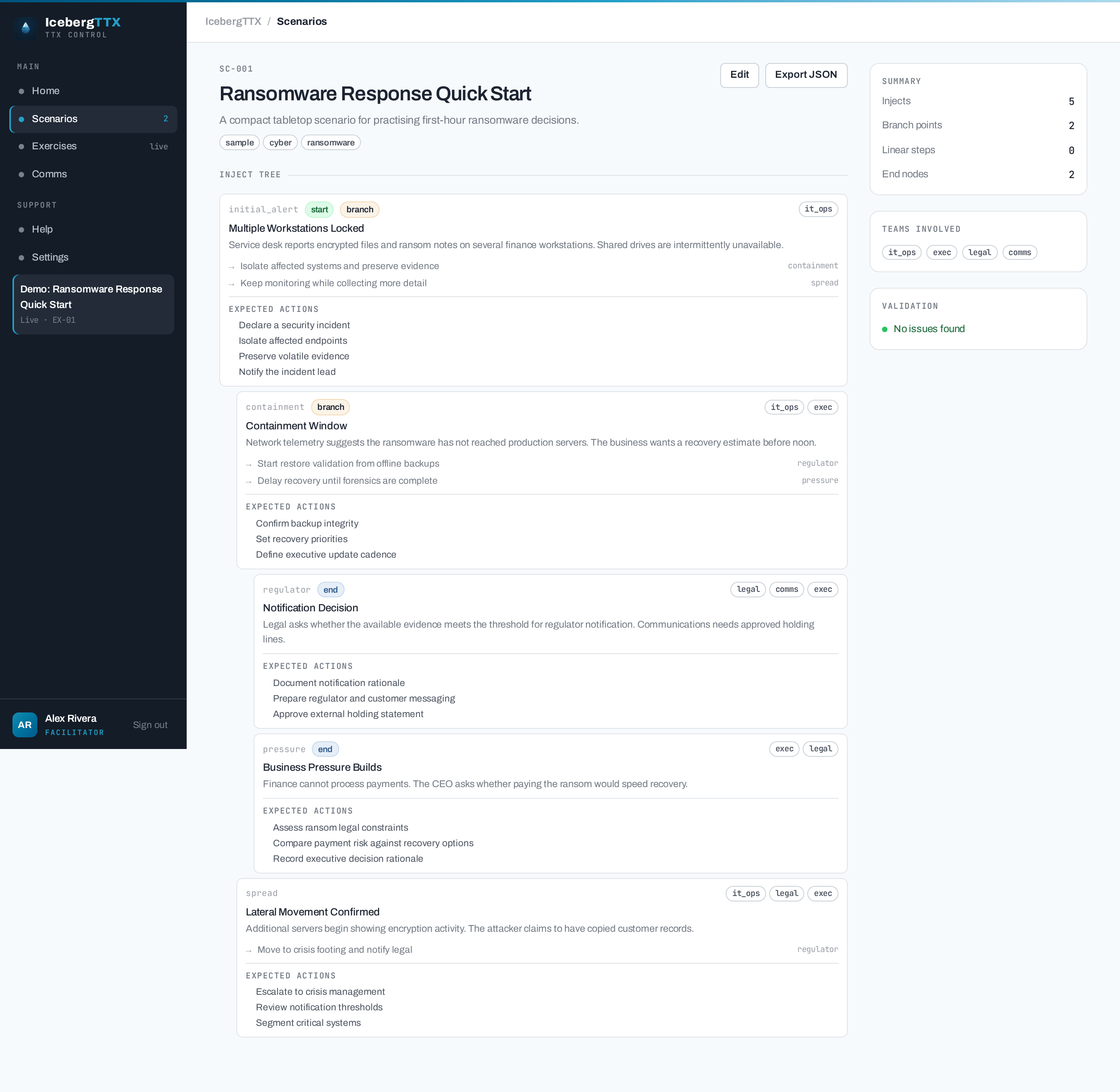
Build branching inject trees or linear chained flows in the visual scenario builder, or import them as JSON. Every branch reference is validated live before you run.
-
Live exercises
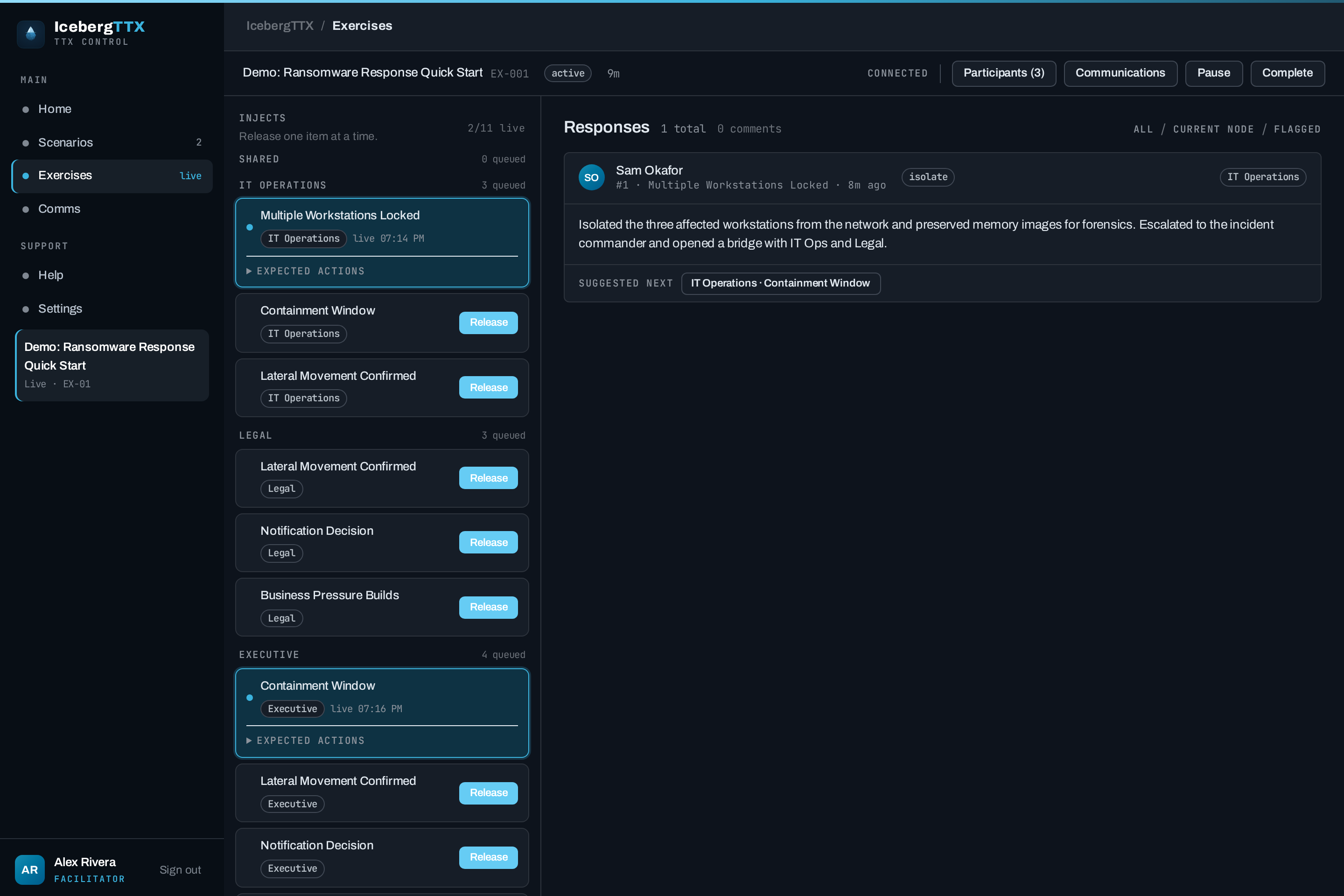
The facilitator releases injects one at a time — or puts them on a pause-aware countdown — and participants receive them instantly via WebSocket, then submit a stance plus free-text reasoning.
-
Team comment threads
Participants discuss released injects in group-scoped comment threads, visible only to their own team.
-
Simulated communications
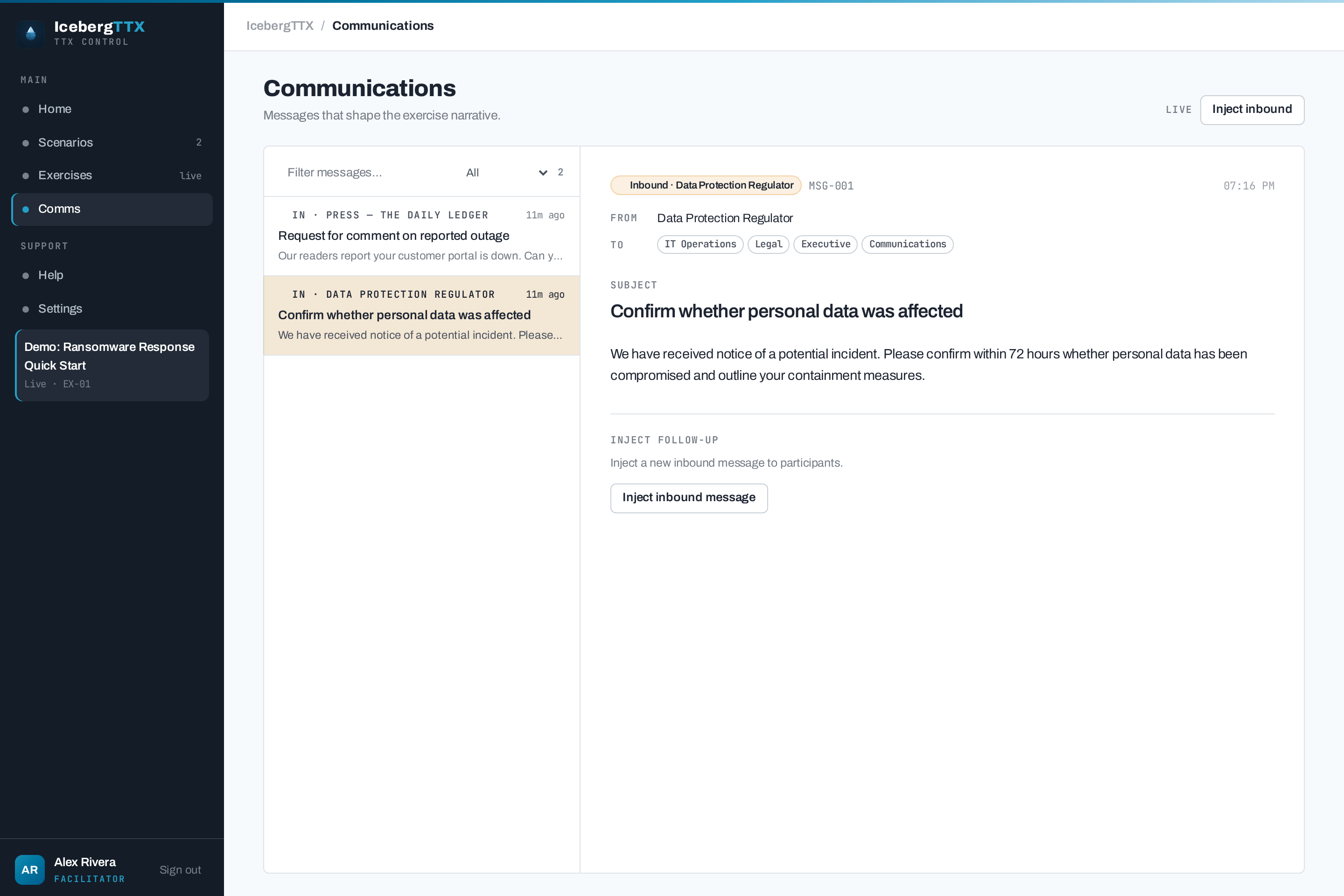
A two-pane inbox/outbox for regulatory, press, and executive comms — seed inbound messages or let the scenario trigger them on a delay.
-
AI assessment
With an AI provider configured (
LLM_PROVIDER— Anthropic, Bedrock, OpenAI, Ollama, or Gemini), the model rates each decision and suggests a follow-up inject the facilitator can approve and queue. -
Security-hardened
Enforced
SECRET_KEY, Secure cookies + CSRF origin checks, login rate limiting, strict CSP, and audit logging with off-host SIEM forwarding.
See it
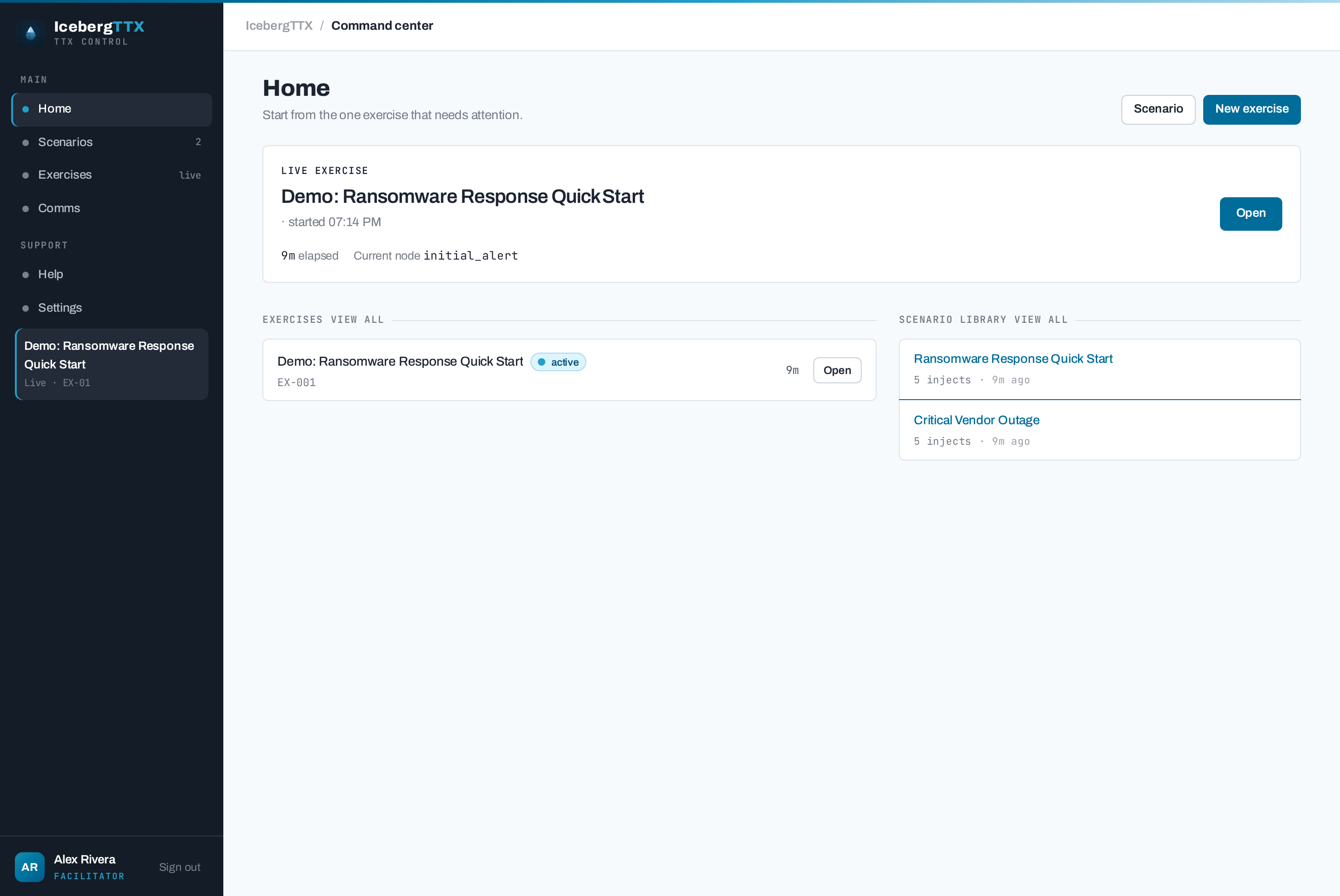
One tool across the whole exercise lifecycle — prepare a branching scenario, run the live session, and learn from the after-action review. The facilitator guide walks it end to end.
The facilitator console — a live exercise with a team-grouped inject tree, release controls (manual, or a scheduled countdown), and the participant response feed.
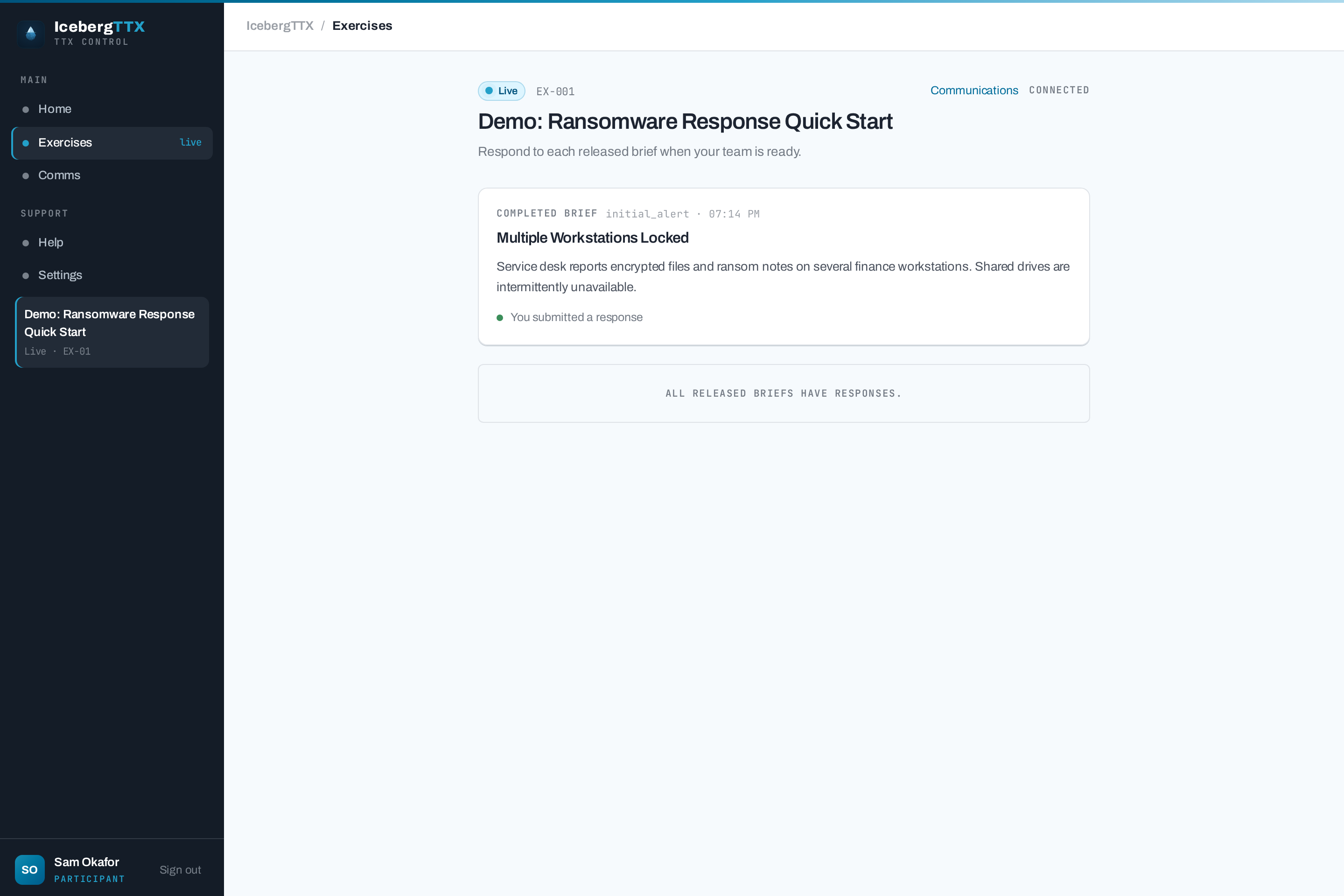
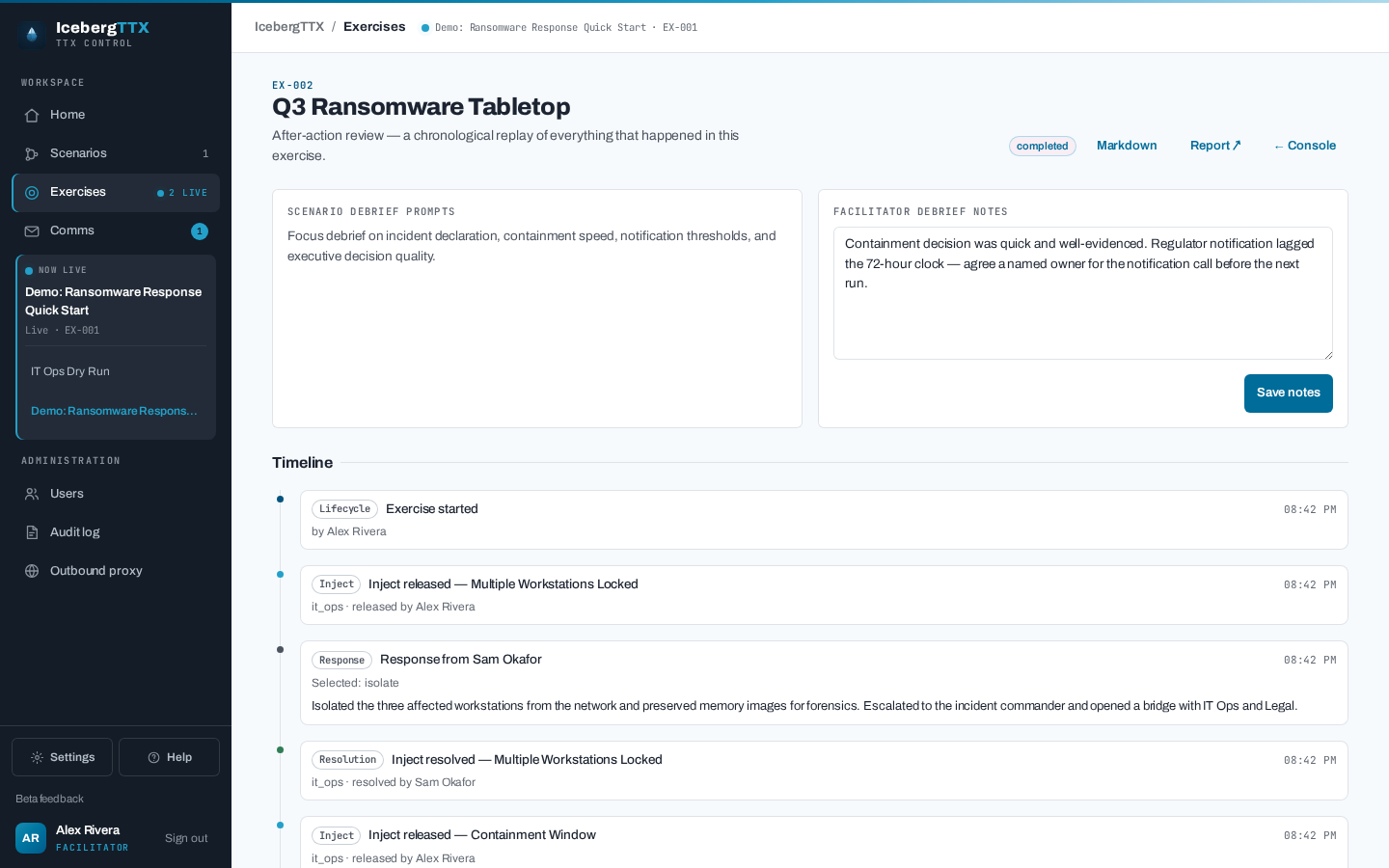
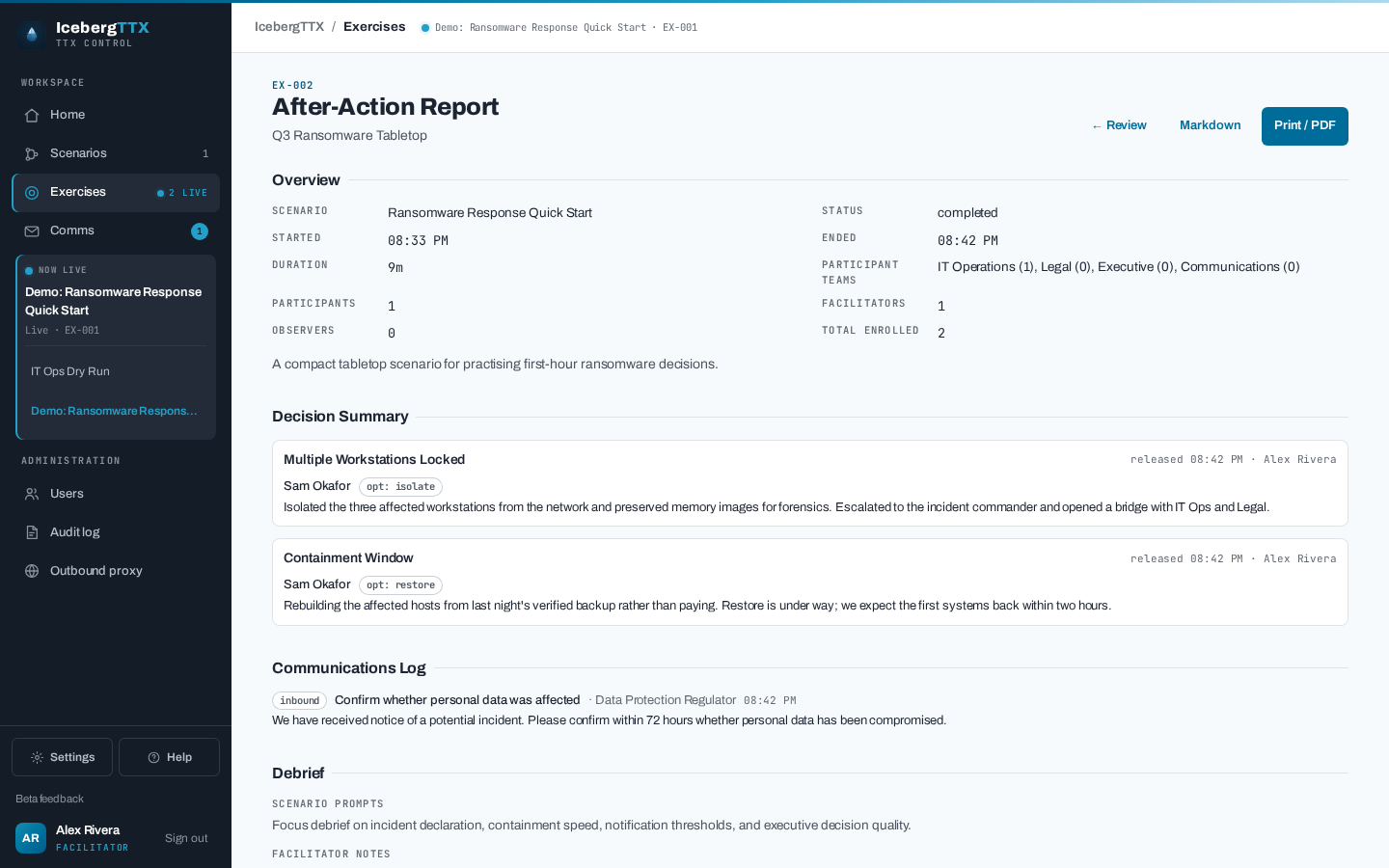
Learn the workflow in the facilitator guide, or lift paste-ready scenario patterns from the cookbook.
Roles
| Role | What they do |
|---|---|
| Facilitator | Creates/imports scenarios, starts exercises, enrols participants, controls the pace of the inject feed — releasing each inject, or scheduling it — injects inbound comms, exports transcripts. |
| Participant | Receives injects for their team, posts team comments, submits a stance + free-text reasoning. Their chosen stance selects the branch the team takes next. Sees only what is assigned to their team. |
| Observer | Read-only. Sees all injects but cannot respond — for senior stakeholders, auditors, or evaluators. |
Self-registration creates a participant (and can be disabled entirely); the facilitator role and admin flag are assigned out-of-band (seeded or admin-managed).
Next steps
-
Deploy — Docker Compose or Kubernetes, behind Caddy with automatic HTTPS.
-
Author scenarios — the JSON schema, branching, linear flows, and triggered comms.
-
Security — the hardening posture and how to report a vulnerability.